
I'm Alive Confirmation
A Quick Check-In to
Confirm Your Wellbeing
A simple check-in system to confirm your health and status, helping ensure timely and accurate pension payments.
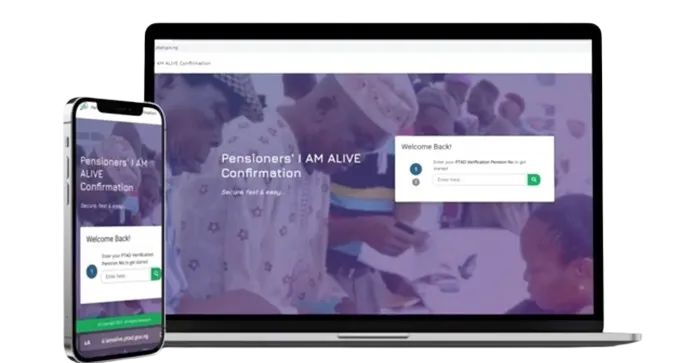
Steps for Confirmation
Follow These Simple Steps to Complete Your Confirmation
PTAD I AM ALIVE CONFIRMATION is a web-based solution for verified pensioners to confirm their “aliveness status” for continued receipt of their monthly pension...compliants@ptad.gov.ng for assistance.
Facial Confirmation

1
The Pensioner will log on to their portal at https://pensioner.ptad.gov.ng
2
Navigate the Liveness Verification link with a Heart Symbol
3
Take your photo (it will be validated with the existing picture in the PTAD database).
4
Perform the aliveness check by moving your face to follow the moving object on the screen.
5
When the aliveness check is completed, confirmation page will display "Successful".
FAQs
I'm Alive' Confirmation – Common Questions
Find clear answers to frequently asked questions about the 'I'm Alive' verification process, including its purpose, how to complete it, and important deadlines.